New Hat Press and Easy Press3
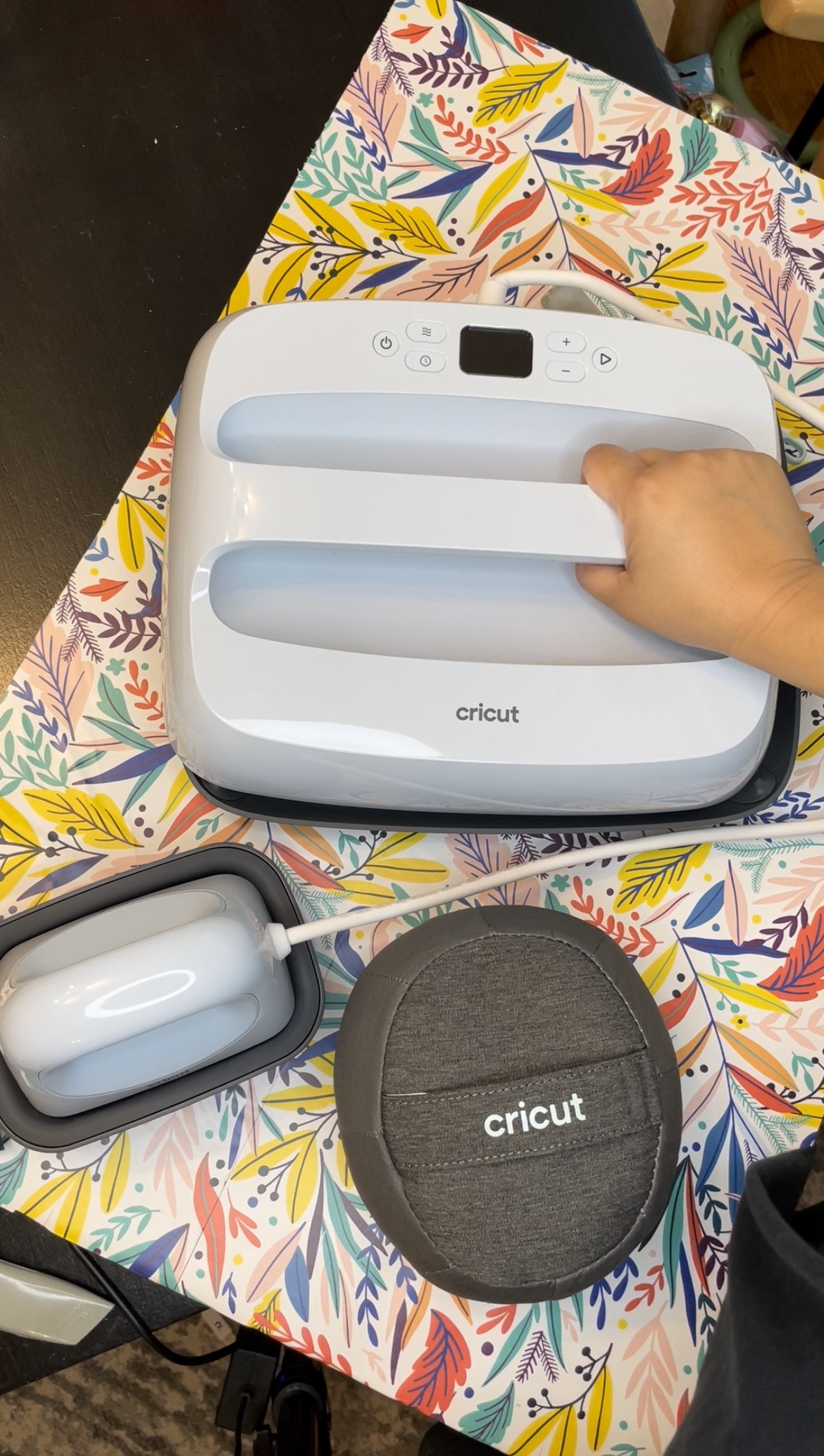
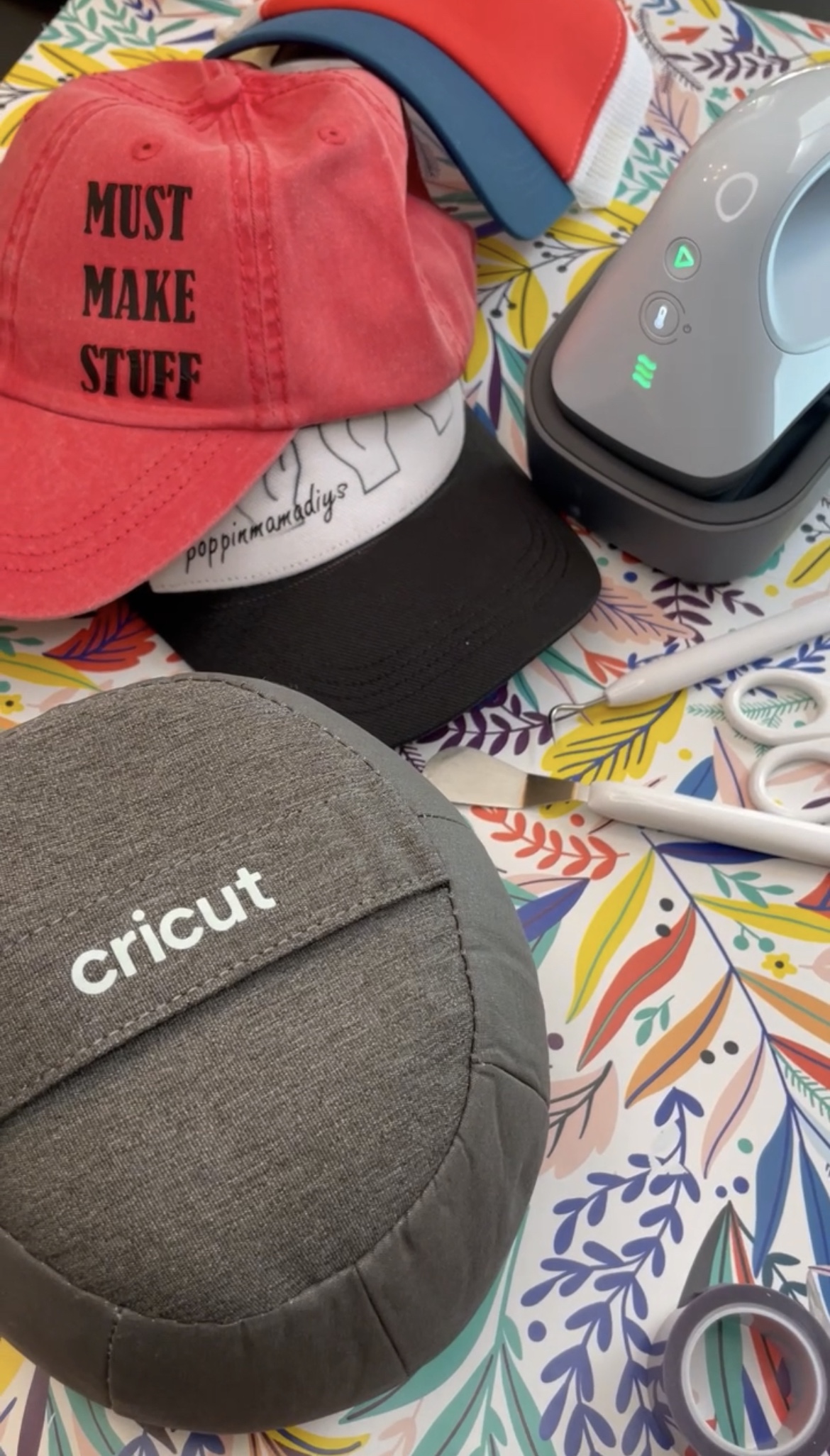
Cricut launched three new heat presses in March of 2022 and I got my hands on two of three of heat presses. I was gifted the Easy Press 3 and the Hat Press from Cricut. Cricut also launched a new app that enabled you to start and finish projects from your mobile using Cricut Heat. The app connects to your mobile and the heat press via blue tooth and selects the correct press time and temperature for your project. There are videos that walk you through each step so you feel comfortable moving through your projects.

How to Set Up Your Cricut Hat Press
It’s intimidating working with Cricut products at first but the Cricut Heat App helps alleviate that overwhelming feeling and cuts out the guess work. The Cricut Heat App allows you to pick the exact product you will be transferring, the type of material that you will be pressing on, and tips and tricks to starting and completing a custom hat.
- So first thing is first, download the Cricut Heat App onto your mobile. If you do not have a user name, you will need to register to create a Cricut account.
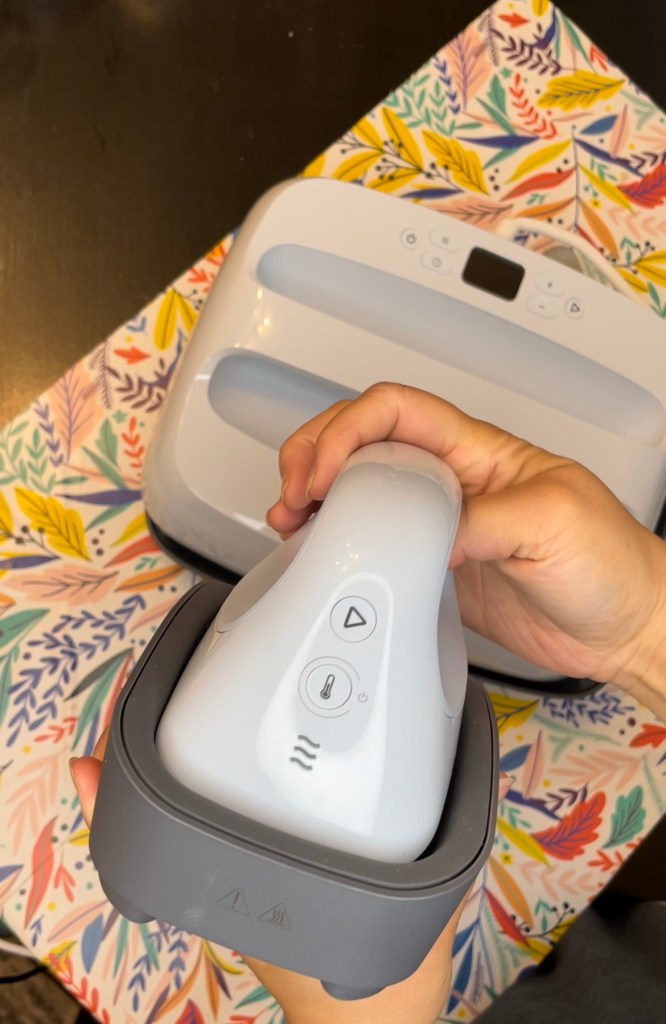
- Once the Cricut Heat App is downloaded and you are signed in, you will need to pair your Hat Press to your mobile. The app will ask you to power on your Hat Press and then once it picks up on the device, click on the Hat Press to sync it to your app and mobile. The app will show that it is connecting and once it is complete it will be available to you to choose from as your registered device. Once connected, you will be ready to begin your project.
 POPPINMAMADIYS